 Sendtide
Pricing
Per connected Xero organisation. Prices exclude VAT and sales tax. Where tax applies, Paddle adds it at checkout and shows the total before you pay.
Compare the plans
| Feature | Free$0 | One-offPass$197 days | Monthly$12per month |
|---|---|---|---|
| Connect, filter and run the pre-send check | Included | Included | Included |
| Invoices processed in Xero | First 10 | No row quota | No row quota |
| How long it lasts | No end date | 7 days | Until you cancel |
| Result per invoice and Result CSV | Included | Included | Included |
| Xero’s own daily email limit | Applies | Applies | Applies |
| Renews | –Not included | –Not included | Monthly |
| Start free | Buy the pass | Subscribe monthly |
Each plan belongs to one Xero organisation, so “Buy the pass” and “Subscribe monthly” first connect it through Xero’s sign-in and then open that plan’s checkout step in the app. Prices excl. VAT/sales tax.
Free
$0
Load, filter and check at any time. 10 successfully processed invoices in total. Reconnecting does not reset the allowance.
Start free7-day pass
$19
Founding offer: $11.40 with FOUNDING40 until 30 Nov
excl. VAT/sales tax. 7 days from purchase. No row quota while active; job, API and email limits apply. One payment, no renewal.
Buy the passMonthly
$12/month
Founding offer: $7.20 for the first month with FOUNDING40 until 30 Nov
excl. VAT/sales tax. No row quota while active; job, API and email limits apply. Renews monthly. Cancel with Manage subscription; access continues to the paid period end.
Subscribe monthlyWhat counts
Load and check are free. Your first 10 successfully processed invoices per organisation are free, with no expiry. Maximum 1,000 selected invoices per job; reads above 10,000 fail clearly without a partial list. Failed and skipped rows do not count. A successful approval counts even if its email later fails. Uncertain results reserve the free allowance.
Prices exclude VAT and sales tax. Where tax applies, Paddle adds it at checkout and shows the total before you pay.
Which plan
The pass ends automatically after 7 days. Monthly renews until you cancel. Check before buying. Paddle is the merchant of record. Each plan belongs to one organisation, so Buy the pass and Subscribe monthly first connect it through Xero, then open that plan in the app: Plan & connection has Buy 7-day pass and Subscribe monthly. Paid access does not raise Xero email limits.
Approvals and emails cannot be undone
Emails cannot be unsent, and approvals cannot be undone: Xero does not move an approved invoice back to draft (it answers "Invoice not of valid status for modification"). To reverse an approval, void the invoice in Xero. Check the list before you confirm.
Xero allows up to 1,000 invoice emails per day for paying organisations, 20 for trial organisations and none for Demo Company. The app shows remaining Sendtide allowance today in UTC; sends outside Sendtide are not counted. Xero may stop earlier. Its global remaining allowance and reset time are not documented.
Draft invoices approved and emailed, or approved and marked as sent, in one confirmed job, after a free pre-send check, with a result per invoice.
Who it is for: Bookkeepers and small finance teams on Xero who raise many sales invoices and want them approved and sent in one checked step.
Start free with XeroCompare plans
Free to connect and run the pre-send check. First 10 processed invoices free, then $19 for 7 days or $12 a month, excl. VAT/sales tax.
Three steps

Sign in with Xero
You sign in on Xero’s own page and choose the organisation. Sendtide never sees your Xero password.
Run the free pre-send check
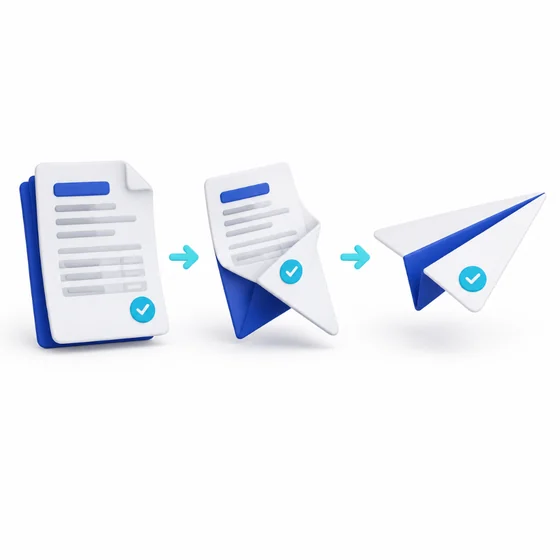
Filter the drafts, tick them, and see which are ready, which miss an email address and which need a look.

Approve and email in one go
Type the count shown, such as SEND 24. Approvals and emails cannot be undone, so the check comes first.