 Sendtide
Bulk approve and email invoices in Xero
Review draft sales invoices, approve them and email the successful rows in one confirmed job.
Choose the workflow that fits your next step.
Review draft sales invoices, approve them and email the successful rows in one confirmed job.
Find approved-but-unsent sales invoices, check recipients and email the selection together.
Approve draft sales invoices in bulk while keeping customer emails for another time.
Who it is for: Bookkeepers and small finance teams on Xero who raise many sales invoices and want them approved and sent in one checked step.
Start free with XeroCompare plans
Free to connect and run the pre-send check. First 10 processed invoices free, then $19 for 7 days or $12 a month, excl. VAT/sales tax.

You sign in on Xero’s own page and choose the organisation. Sendtide never sees your Xero password.
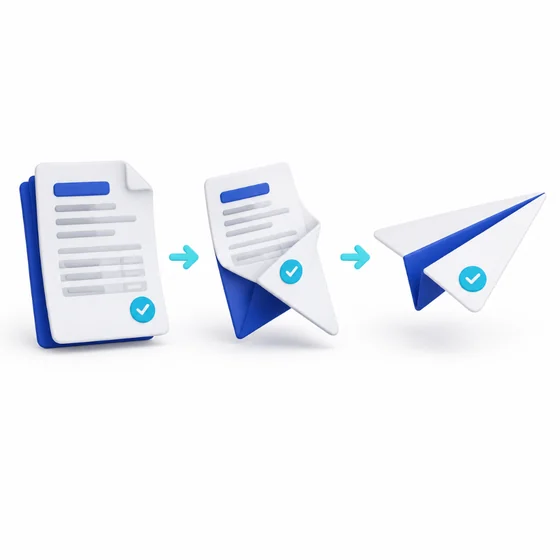
Filter the drafts, tick them, and see which are ready, which miss an email address and which need a look.

Type the count shown, such as SEND 24. Approvals and emails cannot be undone, so the check comes first.